Dev Diaries
--Hunt through online development traces to uncover what was left behind.

Room Details
- Room link: https://tryhackme.com/room/devdiaries
- Difficulty: Easy
- Authors: ar33zy and tryhackme
Room Description
We have just launched a website developed by a freelance developer. The source code was not shared with us, and the developer has since disappeared without handing it over.
Despite this, traces of the development process and earlier versions of the website may still exist online.
You are only given the website's primary domain as a starting point: marvenly.com
Questions
- What is the subdomain where the development version of the website is hosted? #1Question
- What is the GitHub username of the developer? #2Question
- What is the developer's email address? #3Question
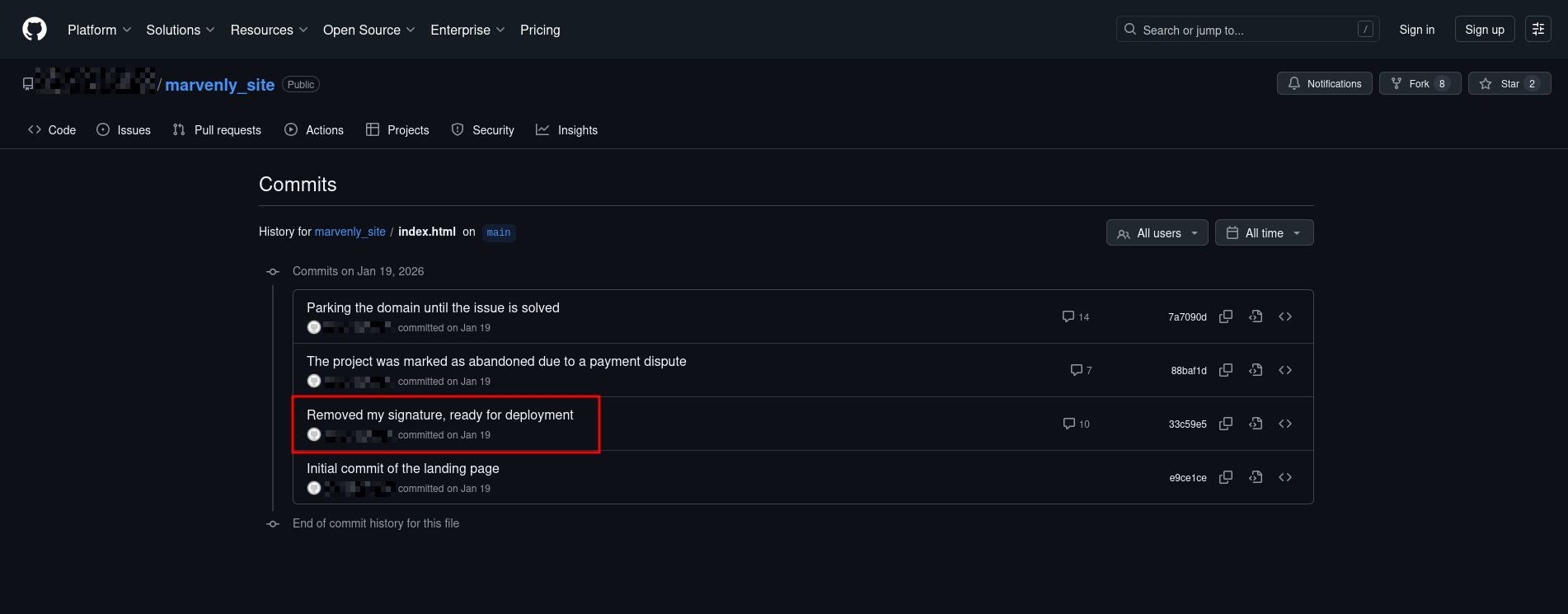
- What reason did the developer mention in the commit history for removing the source code? #4Question
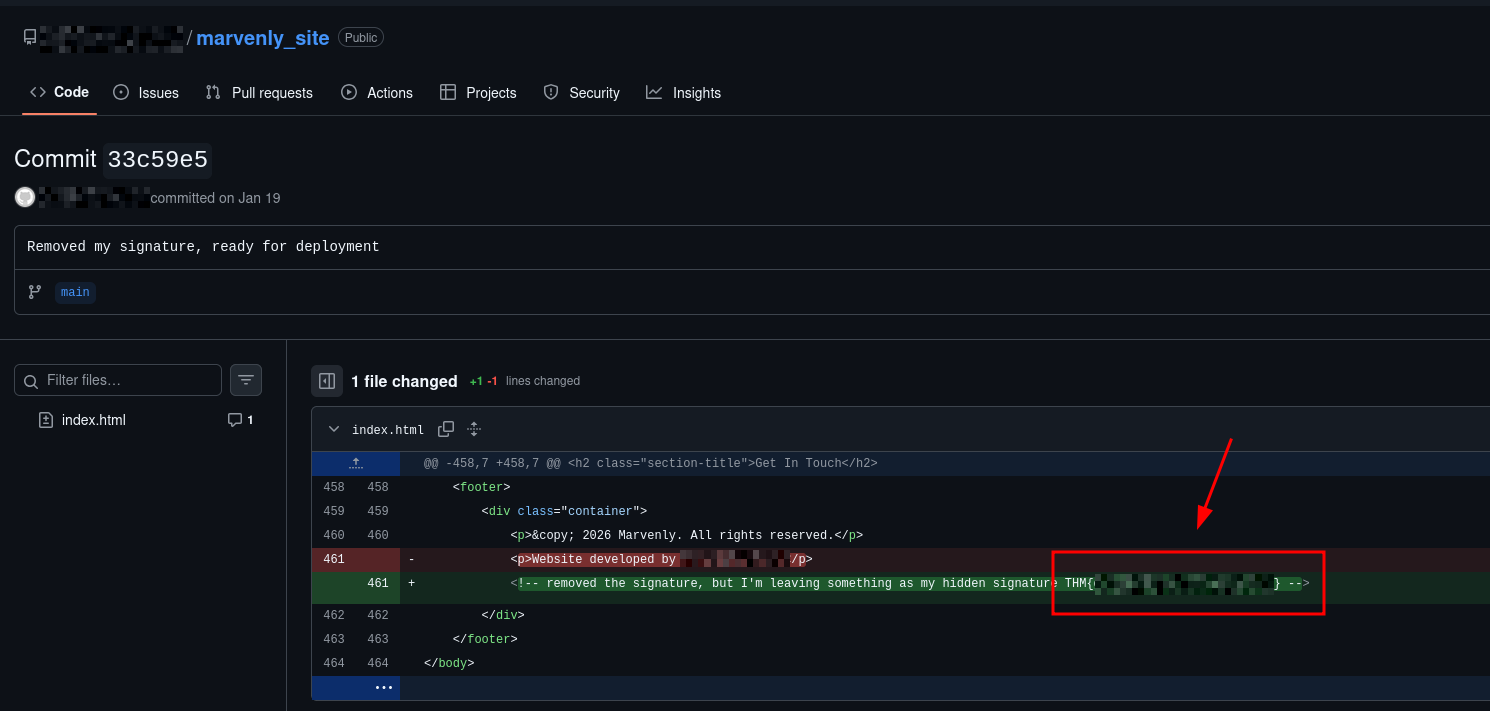
- What is the value of the hidden flag? #5Question
Exploit!
The only information that we have is the domain name: marvely.com. and trying to browse that domain, gives no response.
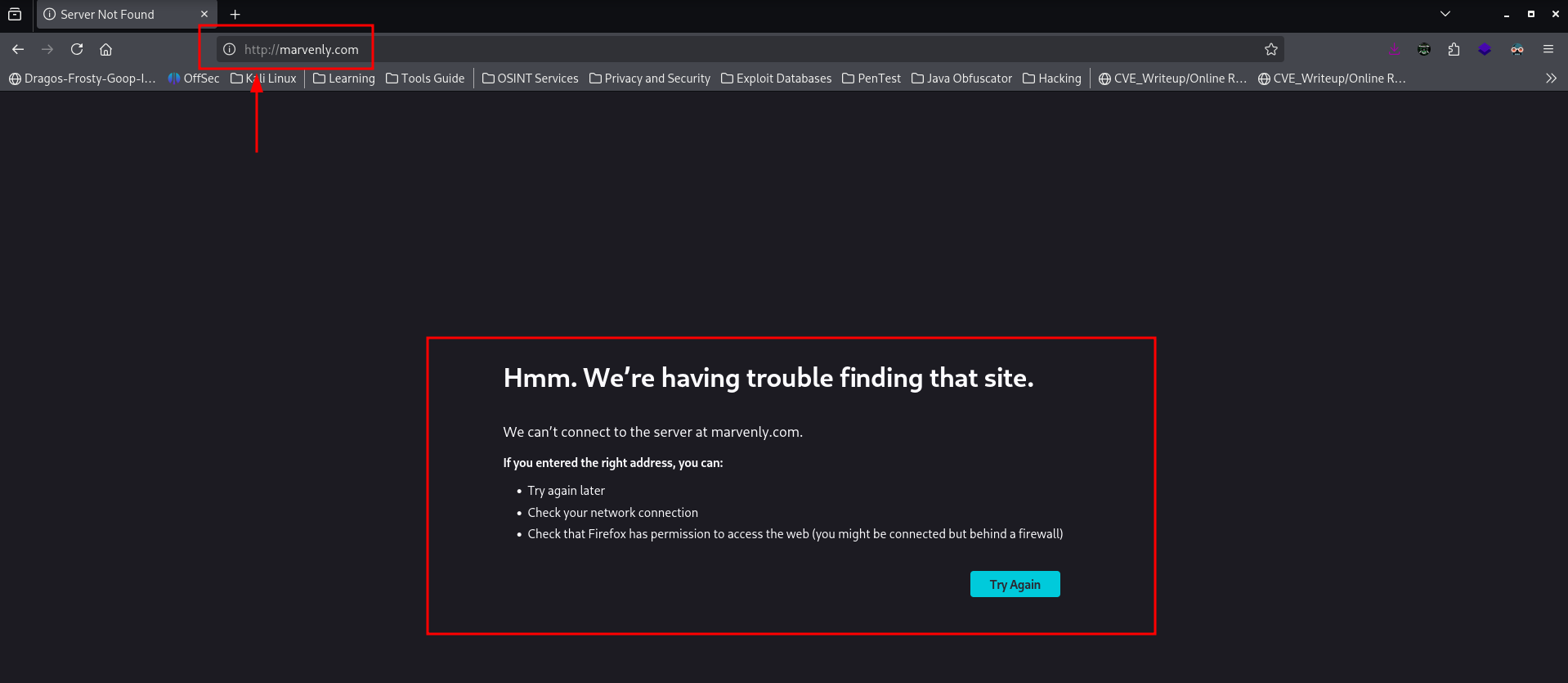
Which also leading into a google and other search engine searches also gives us the same results.
Hence, we go with crt.sh to look for any subdomains and other domain related information.
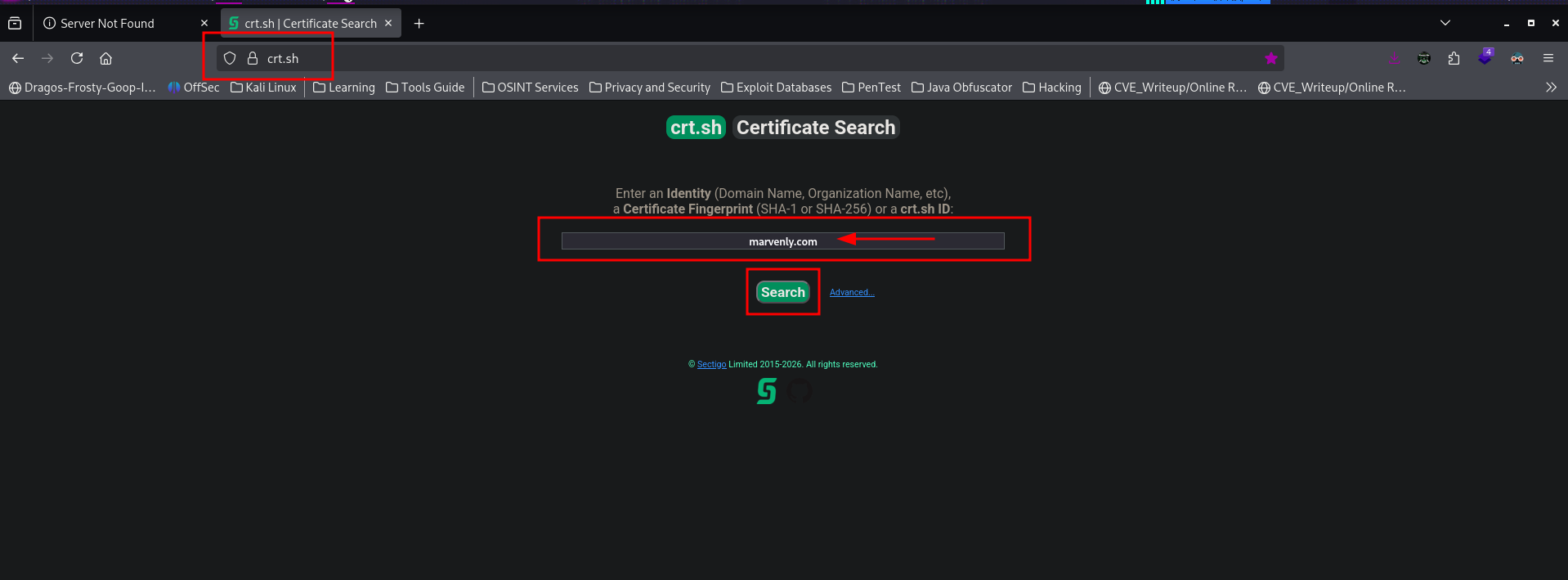
In here, we get the list of certificates provided to it's domains and subdomains.
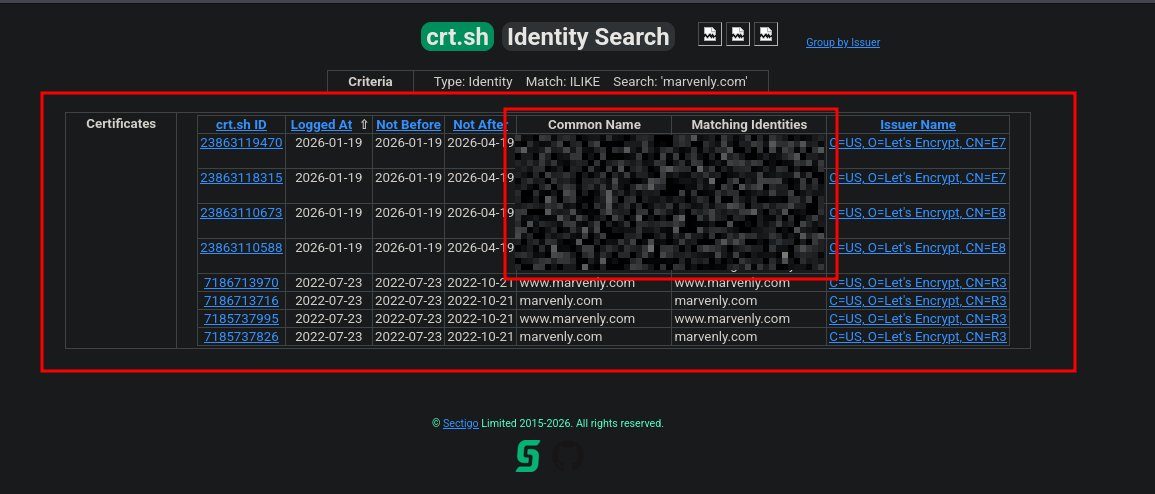
which answers the first question ( #1Question).
The domain is Down I guess
Going through the subdomain that we identified, we can find the username of the user who has developed this application.
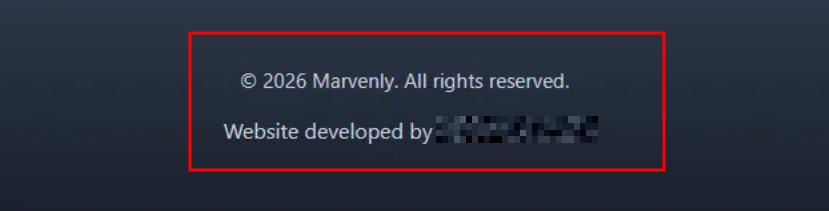
searching for this username on GitHub, gives us a hit on one profile.
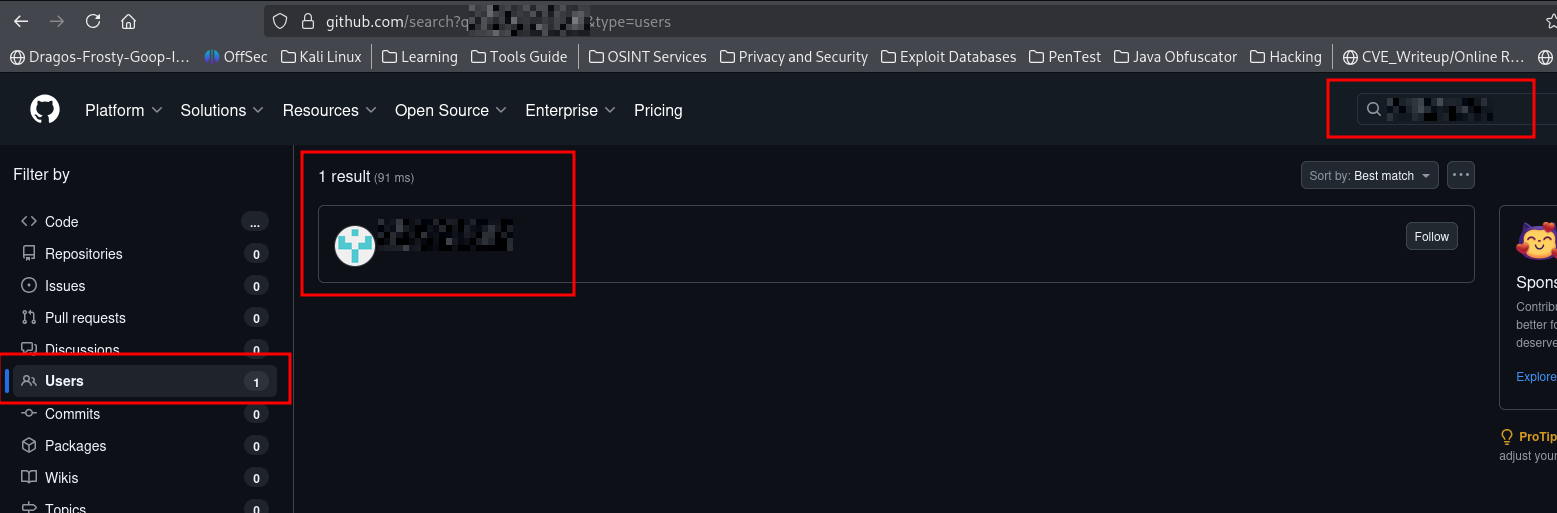
Which confirms the 2nd question's answer ( #2Question).
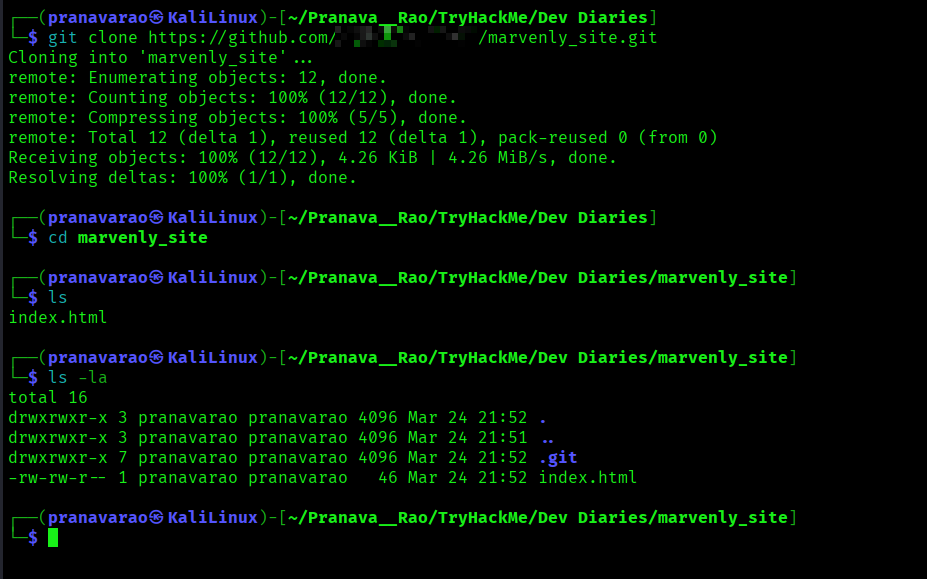
Going to the profile and the only repository, we see the index.html file present. Hence to dig further, we clone the repository.
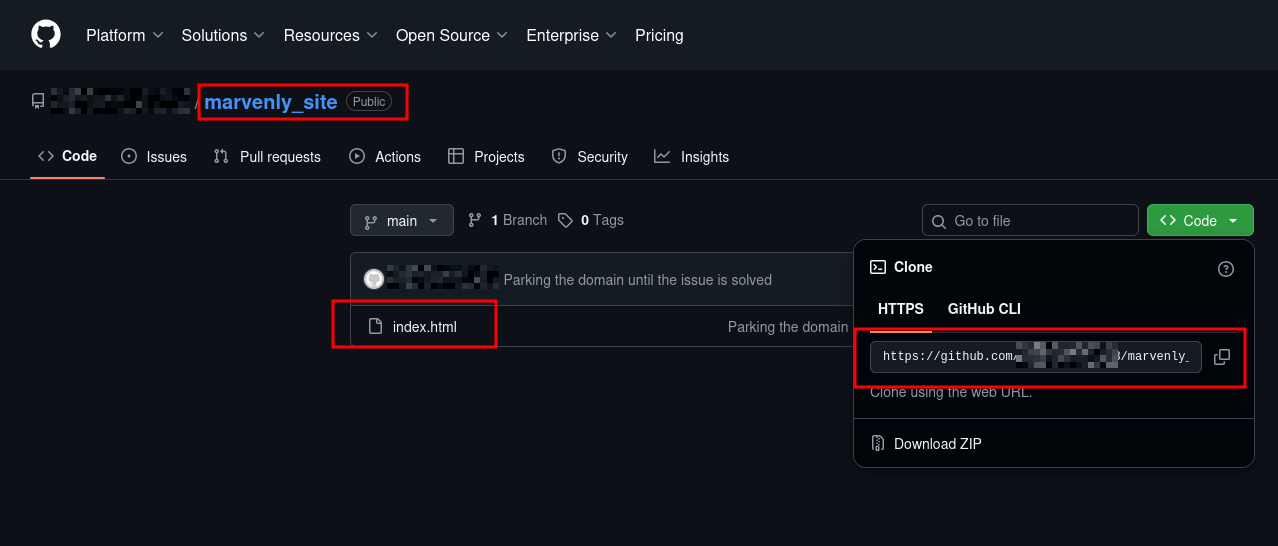
To clone, you can run the following commands:
# To clone the respository
git clone https://github.com/notvibecoder23/marvenly_site.git

# To move into the respository
cd marvenly_site
Just to look into the earlier versions of the commits and other logs, we can look into the git logs.
# To view the logs of the repository
git log
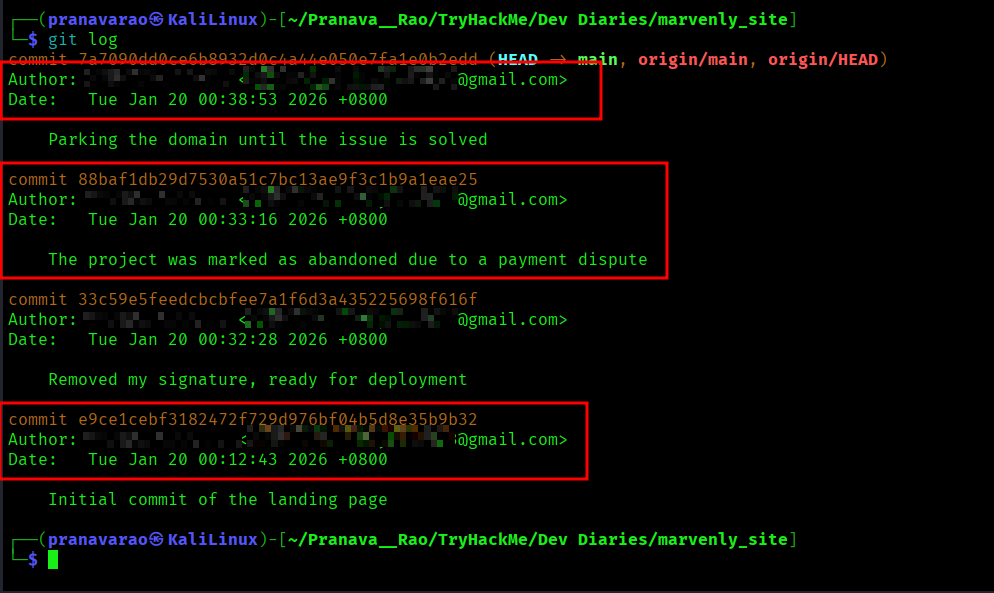
Here we find the email address of the author of the github repository and information related to each commits.
Which answers both third and forth question ( #3Question and #4Question)
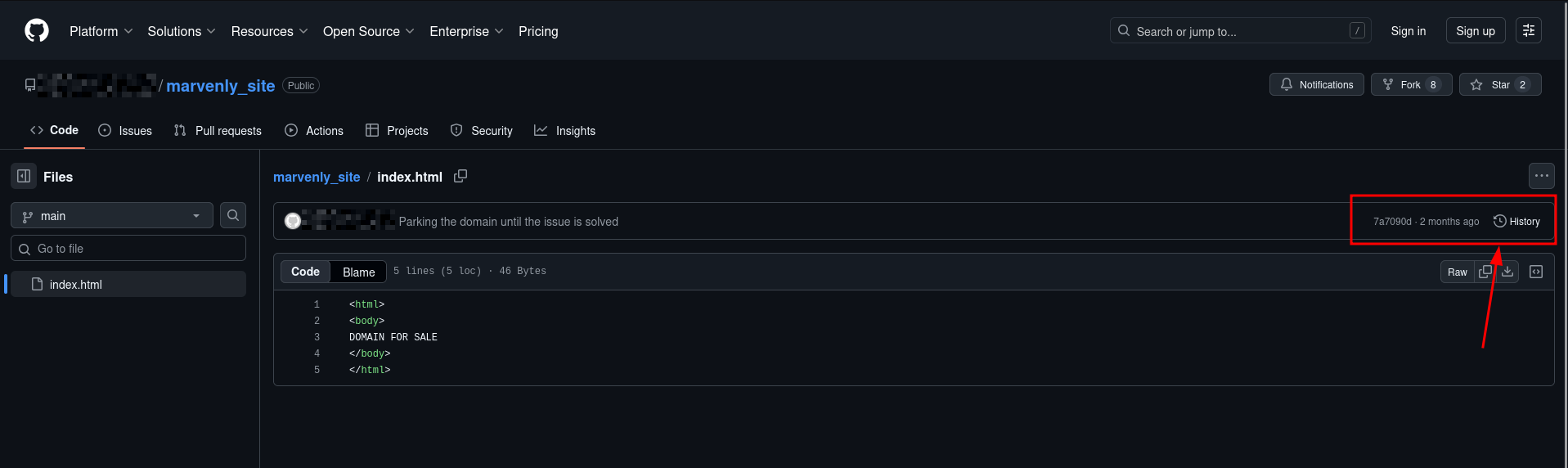
Now, to find the flag, we have to look into the older versions of the commit. For that, the easier way is to look from the author's GitHub Page and it's commits.
For that, go to the author's GitHub page with index.html code opened. Then click on History at the right corner of the screen.
Here select the commit of Removed my signature, ready for deployment.
Here we find the flag to this room THM{........
And, wit that we finish the room....